
Recently, I saw a re-post of Sam Altman’s 2018 productivity strategy followed by numerous critiques and analyses of his method. Productivity strategies are tricky because they’re contextual, working best for that individual in their particular circumstances. Therefore, I’ve always tried to put big asterisks around my recommendations. The same applies for this post.
Still, it got me thinking. As I started at my backpack in my work office the other day I asked the question: “What productivity strategies aren’t people talking about?” My mind immediately thought of everyday carry items that I keep in my backpack. “What can’t I live without?” I asked myself. What are the little things I take with me that make an enormous difference in my daily journey between home to work? Based on this, I’ve assembled a toolkit of sorts.
An eReader
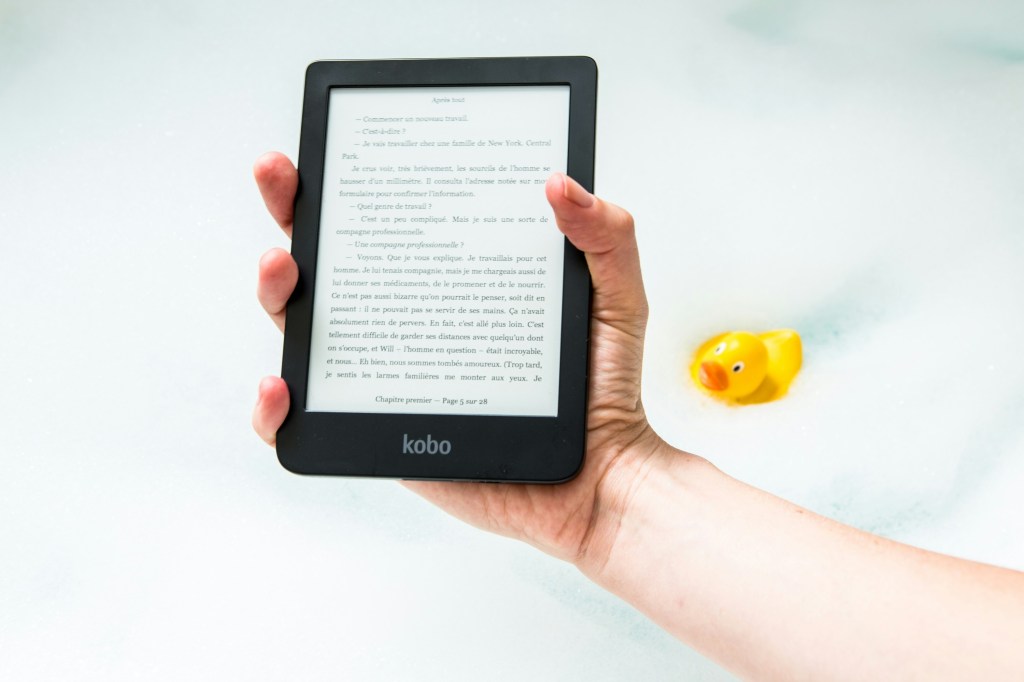
I like print books, at least judging by their stack on my nightstand. But they’re heavy.. But they’re heavy. An eReader is great because it allows me to take out ebooks from my local library, and I purchase ebooks when they’re on sale.
Since I live in Canada, Kobo is better supported by libraries so that was the biggest reason I chose that platform. The Kobo Clara 2E is my device of choice, a modest black and white unit which I carry in an orange sleep cover.
Dictation apps
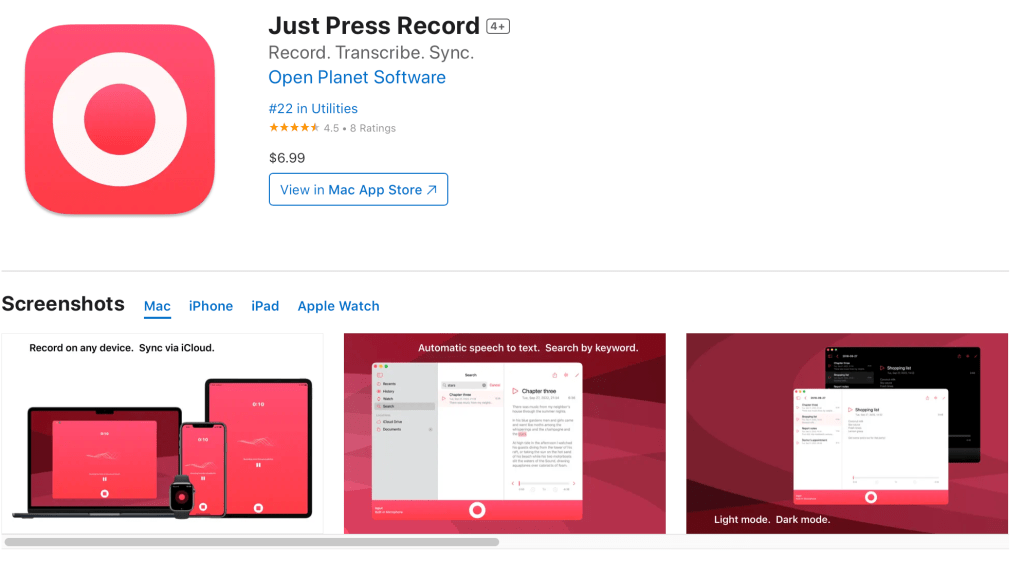
When I say “things” I take with me, I’m also referring to digital applications. As much as I like taking notes (on paper or in an app), sometimes you’re not in a position where you can type or write. The ability to dictate your thoughts into an app that also creates a transcript is a miracle. I use dictation in two ways. If I’m taking down an idea in Apple Notes, I’ll often open up my phone and dictate everything I’m thinking and clean it up later. A recent app I’ve fallen in love with is called Just Press Record which is similar to Apple’s Voice Recorder app. I find Just Press Record creates a more accurate transcript than Apple’s offering. It also supports the Apple Watch, so I can dictate Dick Tracey’s style.
Reporter’s notebooks
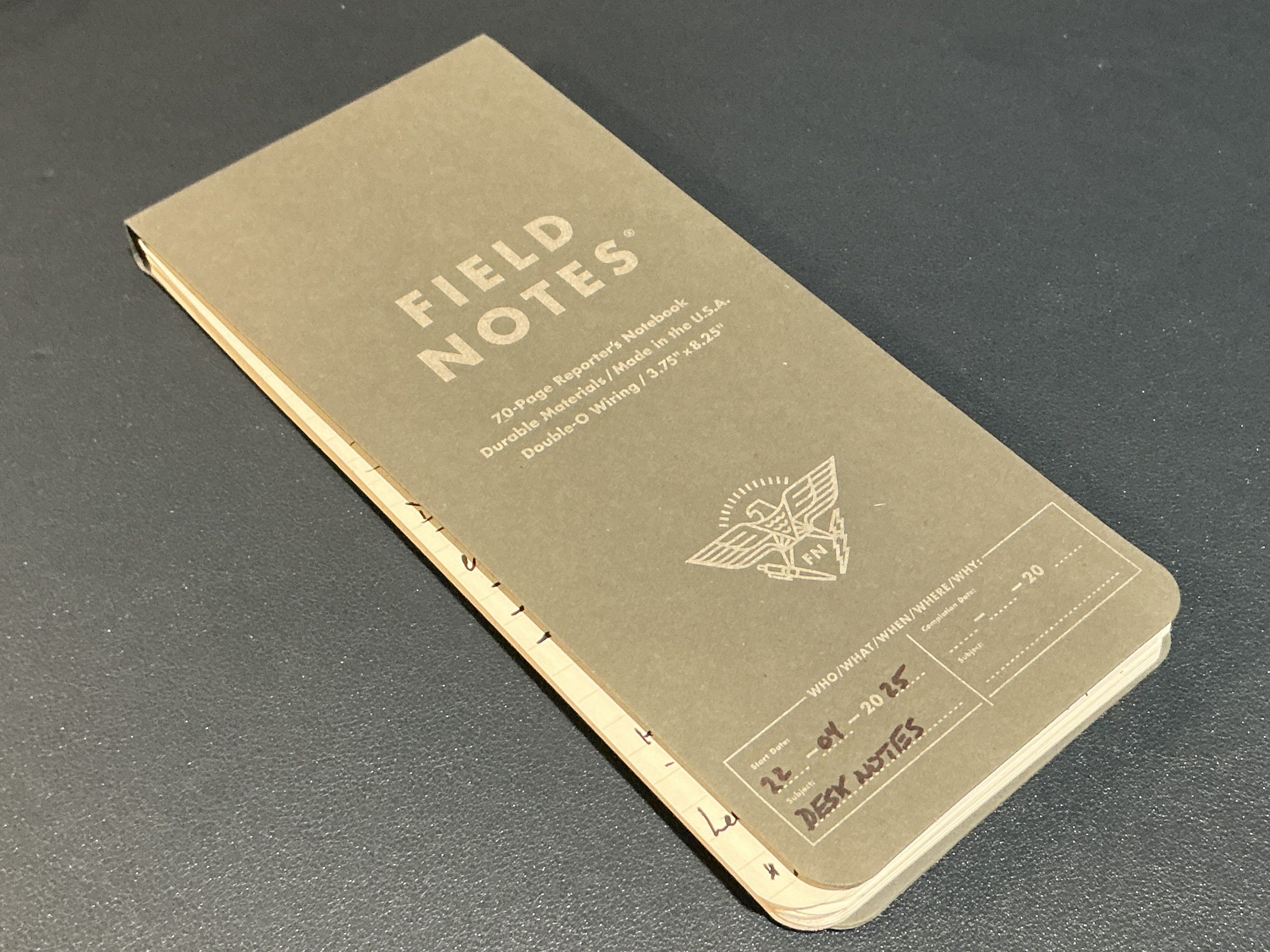
Field Notes Reporter’s Notebook
Notebooks I’ve discussed on this blog before, and I stand behind my previous recommendations. I use a larger Leuchtturm A5 notebook for journalling and Field Notes pocket notebooks which I keep in my bags and car. But, nothing beats a reporter notebook for taking back and for between home and work. I get emails, phone calls, and chats at work; when I get a request, I typically need to jot down key information quickly. In these situations, I take bullet-point notes in a style that I’ve perfected over the years. Tall paper is helpful because I don’t want to have to flip pages too often. Narrow paper is also handy (as opposed to foolscap or A5) because the notebook sits neatly beside my mousing hand without crowding my desk space. Furthermore, a reporter’s notebook that is coiled and has a thicker backing makes it easier to take notes while holding the notebook in one hand. I recommend the Field Notes reporter notebook. It’s a little expensive, but the paper is excellent and the construction is solid.
Vertical mouse
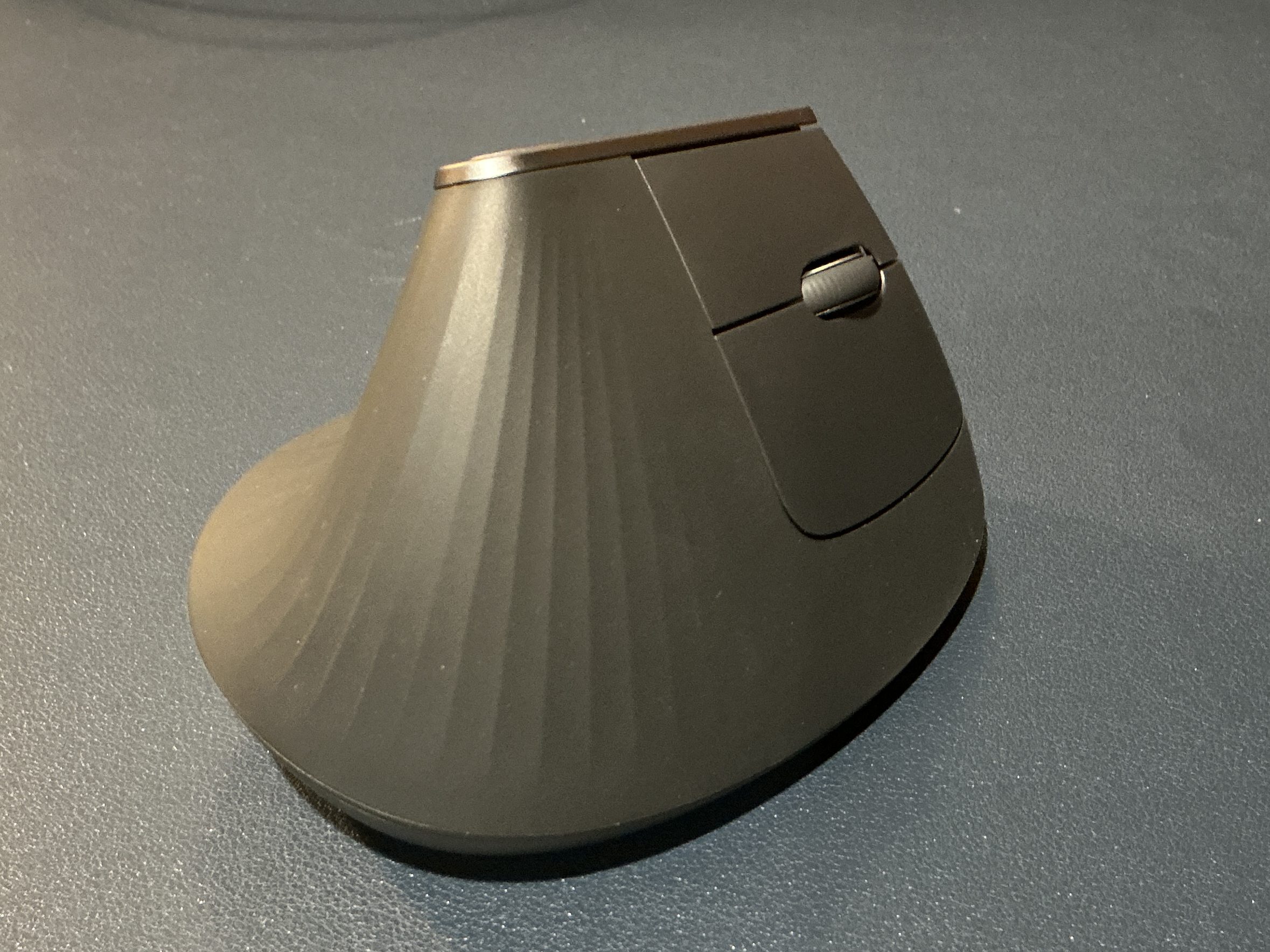
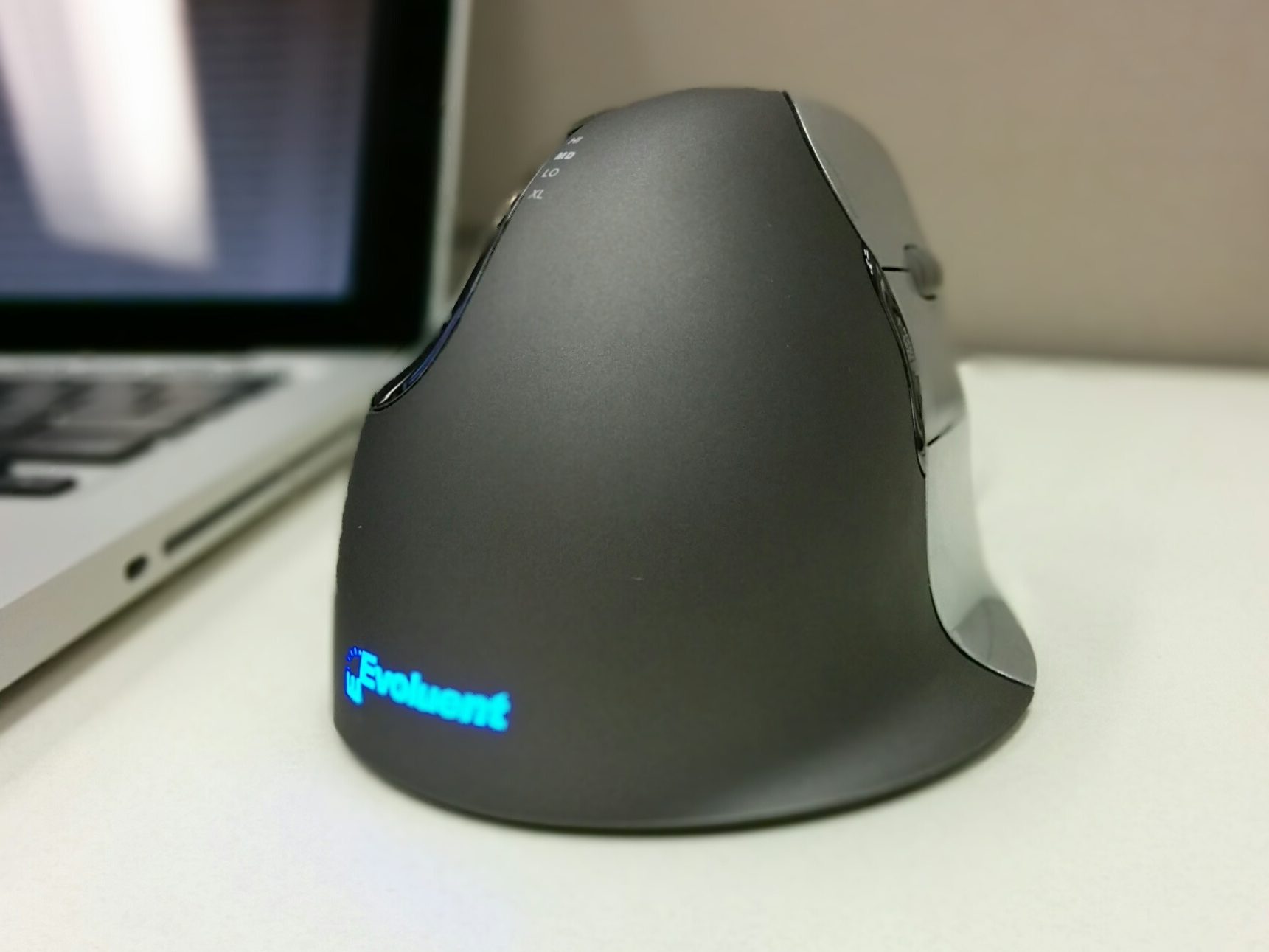
Speaking of my mousing hand, this has been a sore point for some time. Around 2013, I began developing terrible wrist pain. I didn’t see a doctor because I knew what it was; it was the start of carpal tunnel. Besides rest and stretching, using a vertical mouse (or “handshake mouse”) was a godsend. I’ve never looked back.
Since then I have used a wired Evoluent Vertical Mouse 4, though that brand has many more options now. 12 years later that same wireless mouse still works like a charm. Due to recent changes to my home office desk setup, I felt a wireless mouse would be more convenient. I’m now using a Logitech MX Vertical, and my wife uses the same model. It’s in the same price ballpark, but if you have wrist pain it’s a lot cheaper than seeing an occupational therapist.
Multi-port chargers
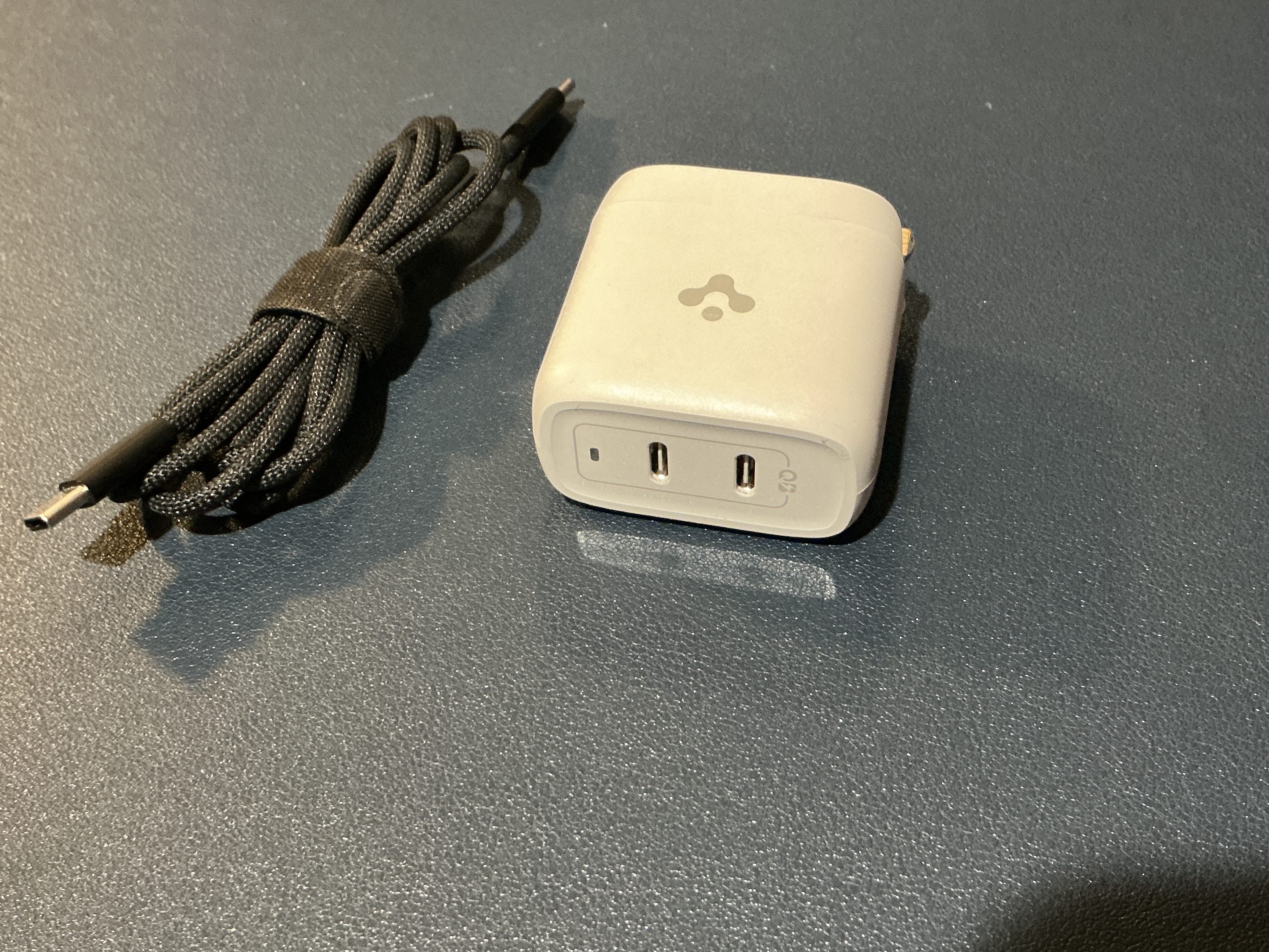
For years I carried a small brigade of wall bricks for each device. Now that (almost) everything I own charges or transfers data via USB-C things are a lot simpler. I carry one charger, a two-port USB-C wall brick and some cables. That’s it! I even use it for my MacBook Pro, albeit it’s a slow charge. But, it’s freed up so much space in my kit that if I have to take a MacBook charger it’s no big deal.
You can get more than two ports or ones with super fast charging. I use a modest Spigen brand charger (no longer available), but Anker makes some reasonably priced ones as well. I do find charger brick prices to be a little out of control, so I recommend waiting for a sale and only getting what you need.
Medicine bottle of digital storage and adapters
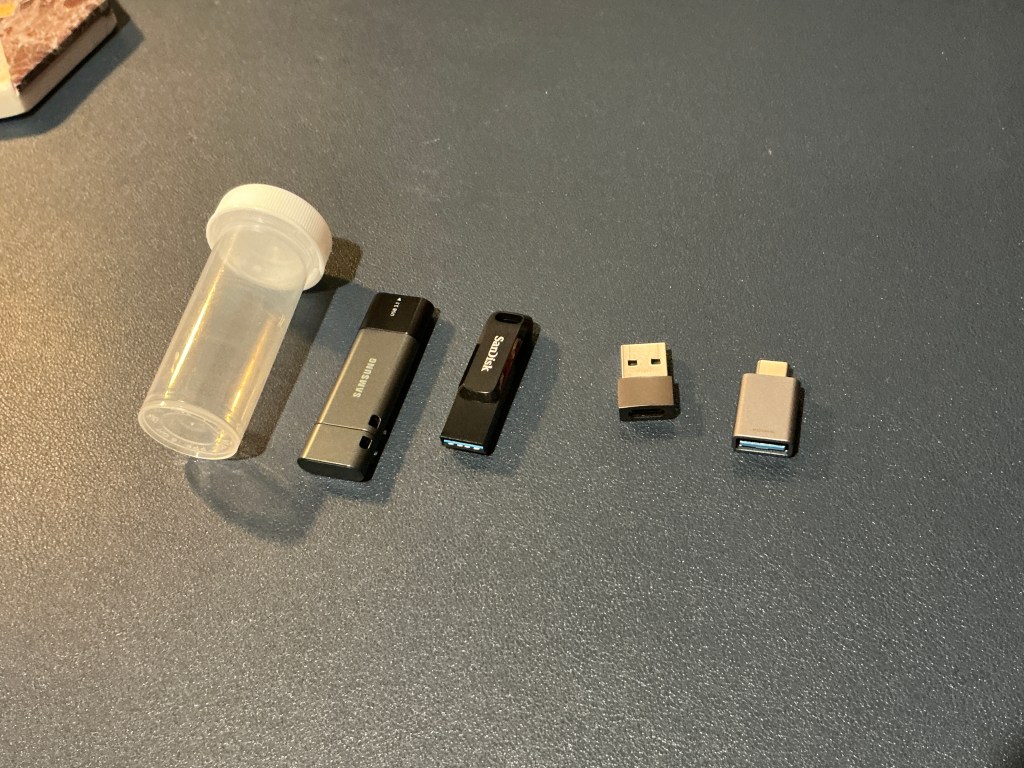

A nod to the old-school, I carry a medicine bottle (or film container) to house my USB sticks, micro SD cards, and USB-C to USB-A adapters. It’s an easy and compact way to carry essential digital tools without losing them at the bottom of a bag.
Eyeglasses repair kit
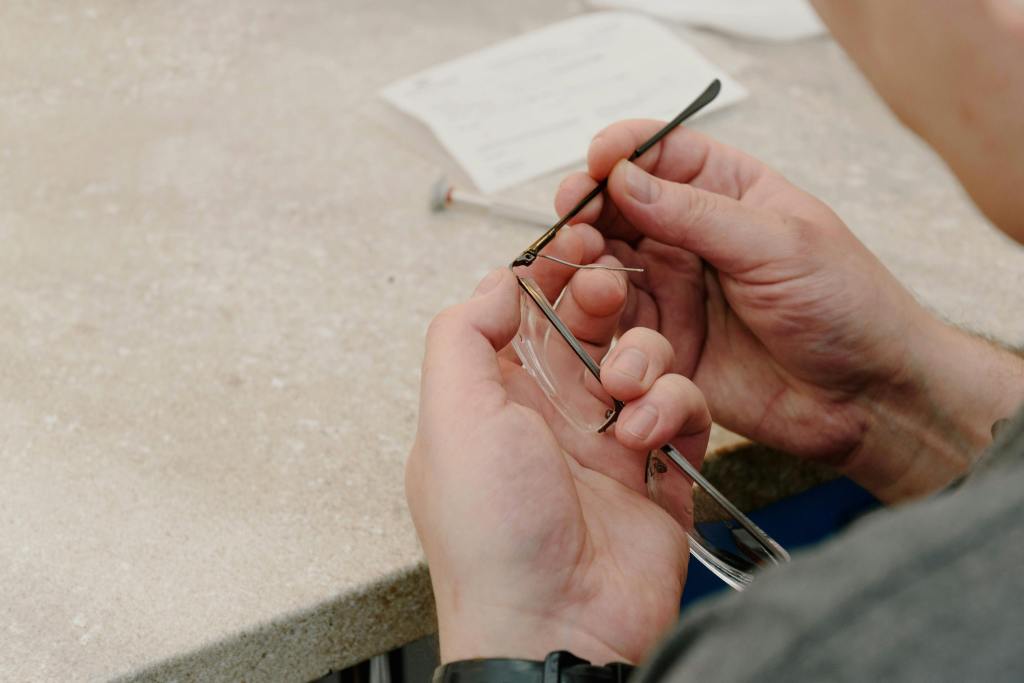
You never know when a screw’s going to go rogue. This tiny kit has saved me more than once. I use a particularly cheap dollar store one.
A compact spill-proof tumbler
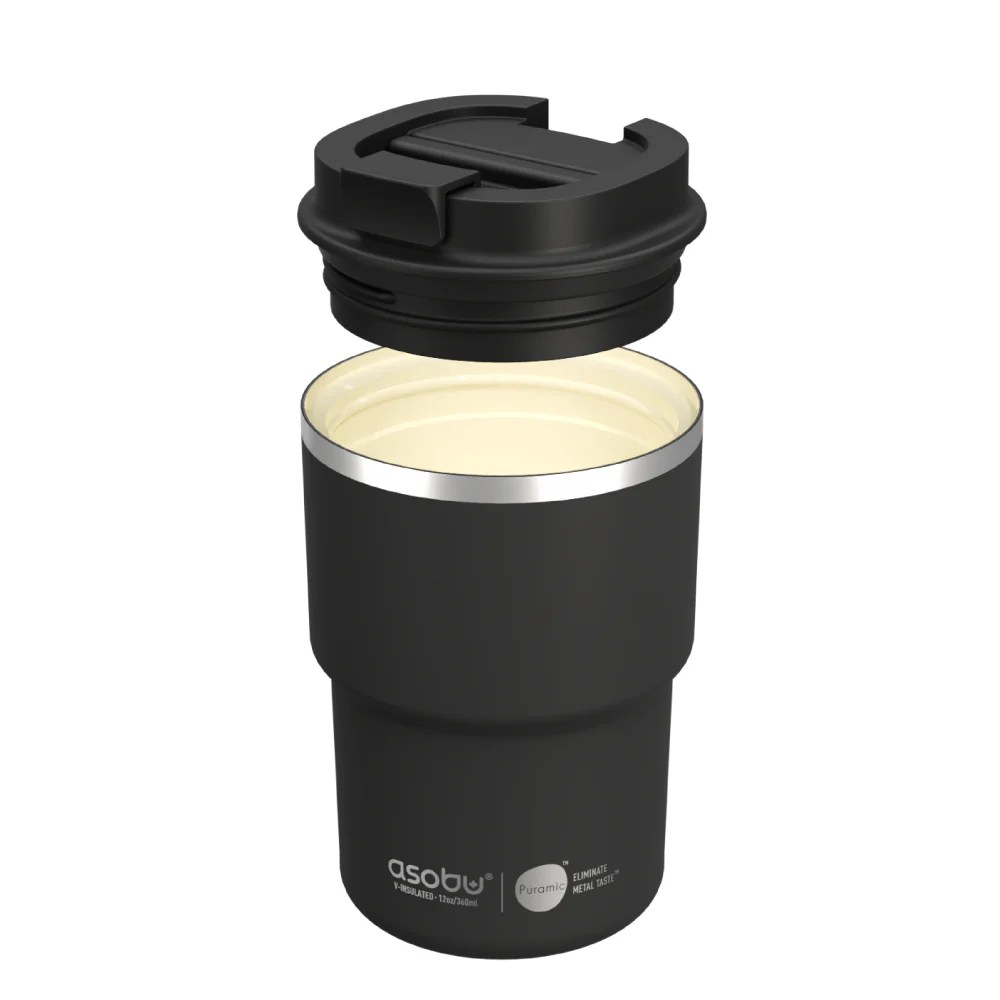
I’ve collected a lot of coffee tumblers and the majority of them aren’t great. For my commute to work I often bring a Yeti tumbler with a magnetic lid, but it’s not spill-proof so it’s not safe to put in a bag. On a recent trip to Victoria, BC I found this little 12 oz one made by Asubo which has never spilled and has reduced my coffee consumption. Win-win.
Tide Pen

Because real life is messy, and I tend to wear my coffee. Having a stain remover handy is just smart.
Sandwich bag of writing utensils
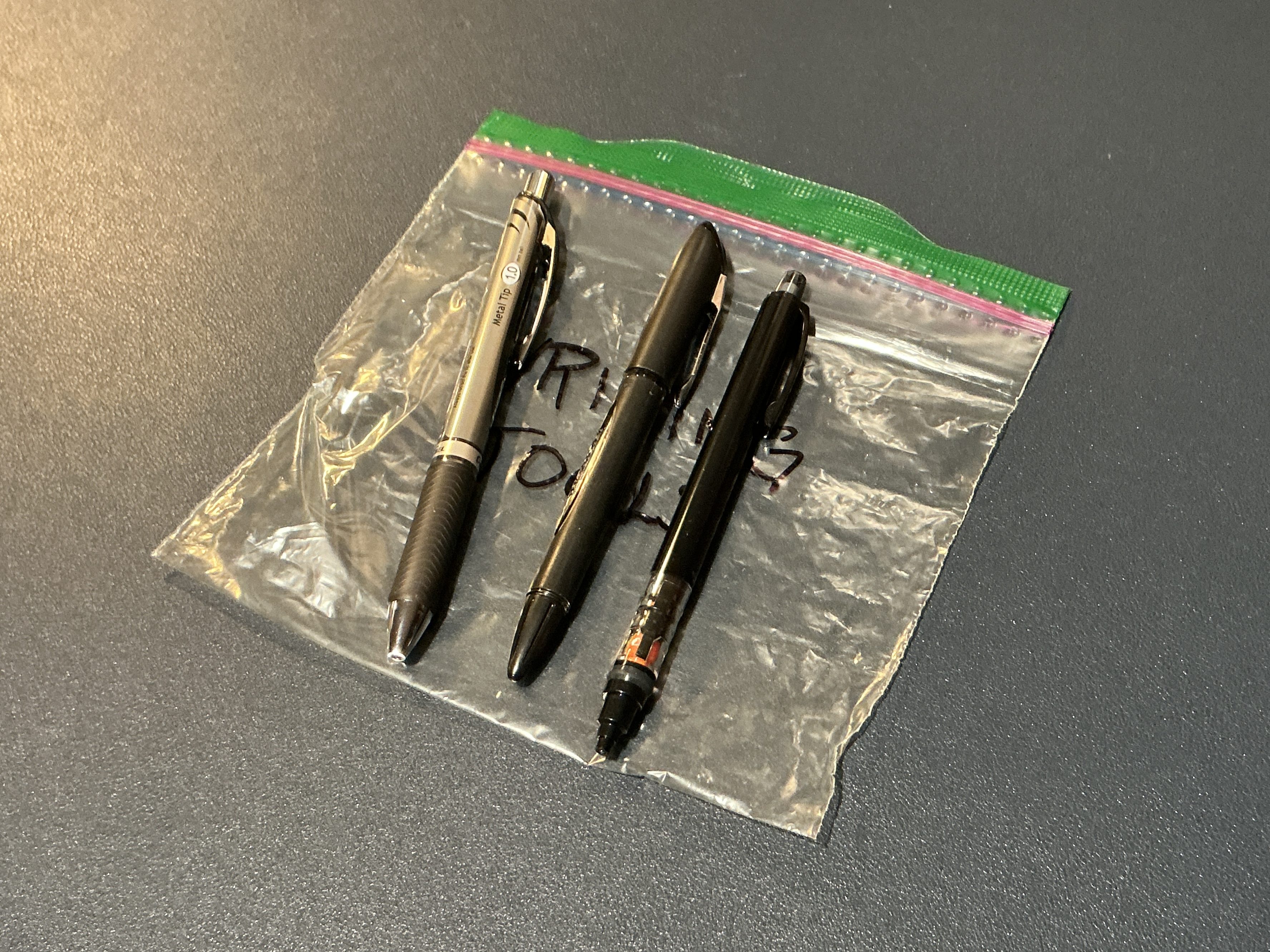
A simple zip-top bag holds pens of various types and thicknesses, plus a pencil or two. I’ve had pens explode in my carrying case which isn’t a deal breaker but a pain to clean up. A zip lock bag lasts me about six-months before the pens and pencils start to poke their way through, so it’s a small investment. Sandwich bags are a go-to organizational strategy when all else fails. All my spare cables at home are organized by type in sandwich bags.
Little Bag or case for (most) of the above
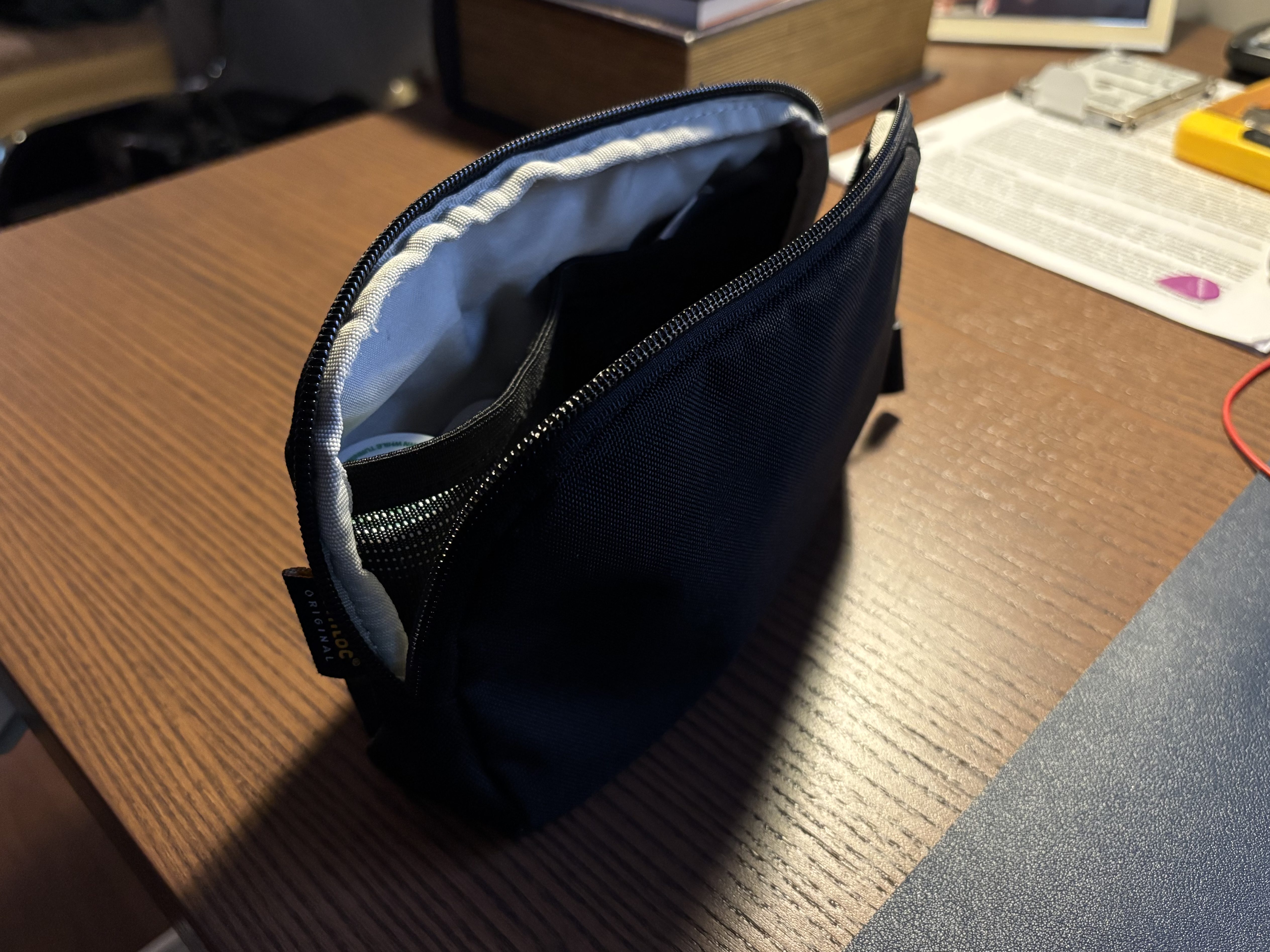
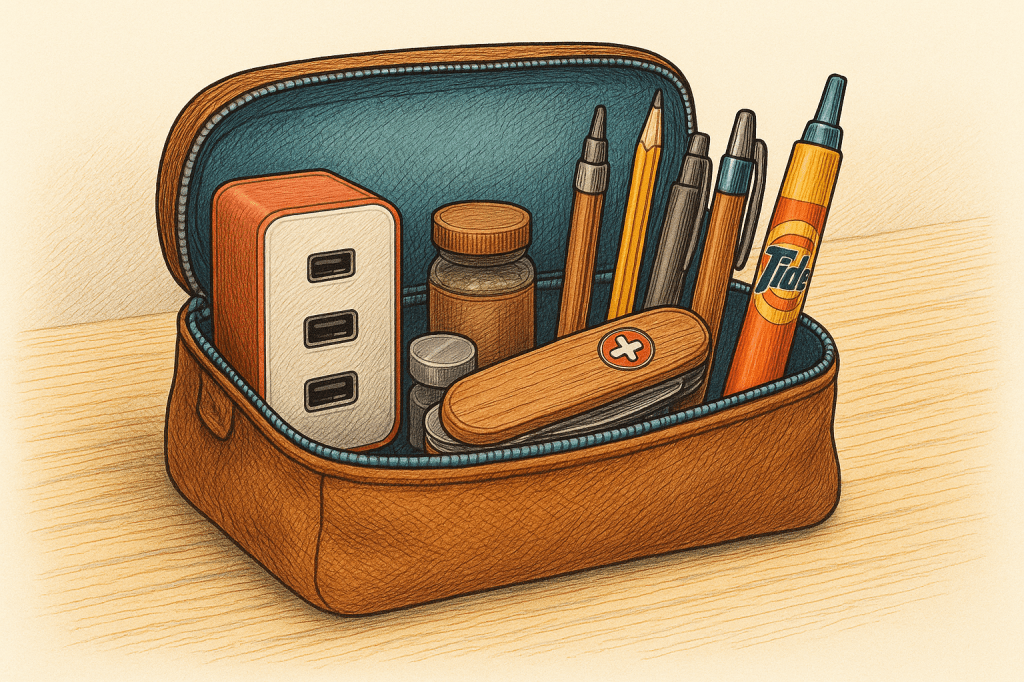
I use a small, easily moved-pouch to wrangle the chaos. It holds everything mentioned above, except for my eReader and coffee tumbler. Little organization bags like this (like packing cubes) make a big difference because they save me from having to scour all pockets and compartments when switching bags. If I have to transition from my backpack to a messenger bag, this is all I have to grab to be confident I have all the accessories I need.
This particular case (above) was free with a laptop sleeve I purchased, but it does the job. There are numerous options on Amazon, but I’ve had excellent luck with Tomtoc. My only feature recommendation is having some mesh pockets on the inside to improve the organization. For years I used a pencil case with no inside pockets, but I found that things got to jostled around during my commute.
Conclusion
That’s it! There are other items that I carry with me during my commute, but my goal here was to focus on the little things that make my day just that much easier. Other items I could have mentioned include a small knife (with scissors), multitool, water bottle, power bank (to charge devices), and lip balm. But, I have a suspicion that these are obvious to most commuters. I’m not promising Sam Altman-level insights here; I don’t run a multi-billion-dollar business. But, if you’re a transit commuter like me, hopefully, these suggestions make your day a little smoother.
 Erik Christiansen
Leave a comment